
The Horror Mansion Controls
Device-by-device movement tips so furniture climbs and hallway cuts feel consistent under pressure.
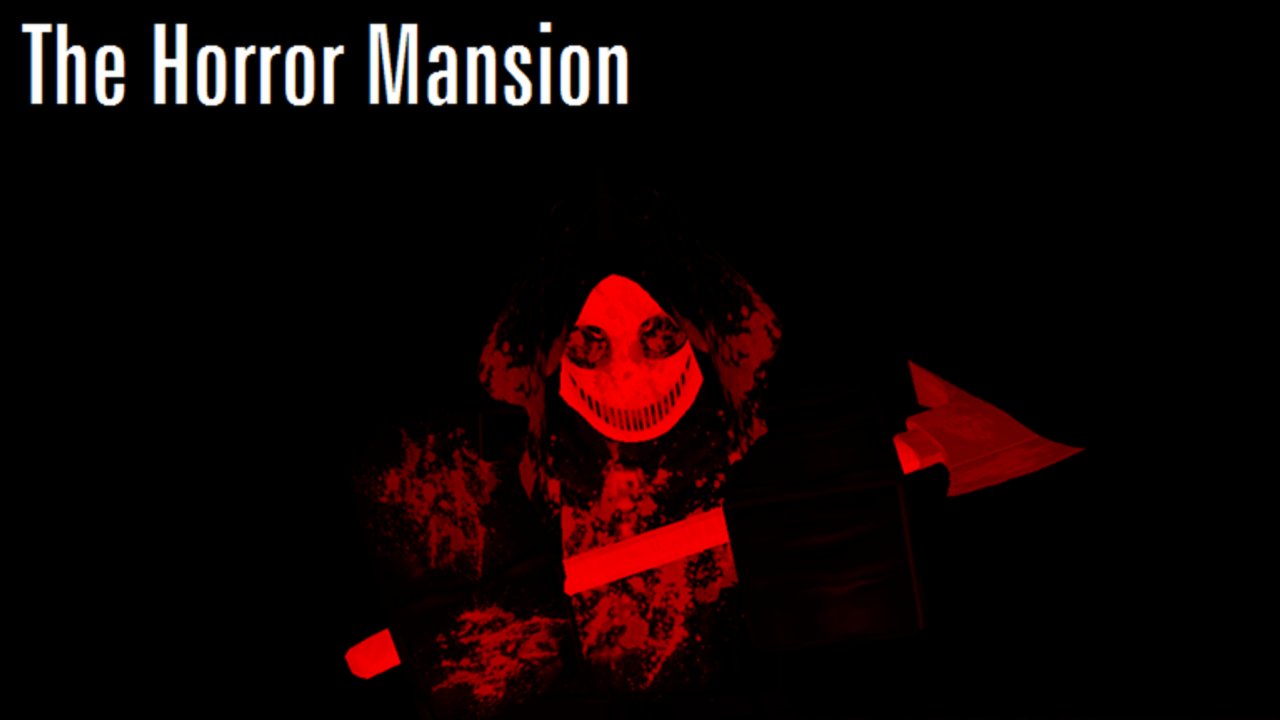
Clean controls are the difference between sticking a desk climb and bouncing into a killer’s arms. The Horror Mansion by K1ir is a free-to-play Roblox online multiplayer survival horror/comedy experience released 2016-10-13 (place 522527978). Rounds shove killers into a compact mansion on a repeating cadence—community chatter often describes roughly ~90-second-style waves—so input comfort matters immediately.
This page covers practical setup for PC, Mac, mobile, and Xbox. Pair it with Getting Started, then apply movement in How to Survive and Safe Zones.
Universal priorities
Regardless of device, you need four skills:
- Move without overshooting doorways
- Look up/down quickly enough to mount desks
- Jump with forward momentum onto furniture
- Stop sprinting long enough to take precise angles
If any of those feel impossible, fix sensitivity before blaming the Map Guide.
PC and Mac (keyboard + mouse)
Typical Roblox defaults apply: WASD move, Space jump, Shift sprint (depending on your Roblox shift-lock and sprint settings), mouse look, and Right Mouse or Shift-lock options for chase cameras.
Recommended habits:
- Use a medium mouse sensitivity—high enough to snap hallway exits, low enough to land on desktop edges
- Practice jump + forward W onto lab desks from multiple approach angles
- Toggle shift-lock intentionally; some players prefer unlocked camera for climbing, locked for hallway kiting
- Bind a comfortable key for Roblox emote/menu access so you do not open the wrong panel mid-chase
Warm-up drill (three minutes): climb the same computer lab desk ten times, then cut kitchen → storage without hitting walls.
Mobile (touch)
Mobile survivors should:
- Play in landscape for wider jump timing windows
- Keep the jump thumb consistent; climbing fails when your thumb drifts mid-air
- Lower camera sensitivity if you constantly over-rotate past props
- Prefer large furniture holds over pixel micro-ledges (advanced quirks are easier on mouse—see Glitches)
Touch lag on poor networks makes precise climbs harder. If mounts feel random, test on stable Wi-Fi before declaring a spot patched.
Xbox (gamepad)
Controller players should:
- Raise look sensitivity until hallway snaps feel responsive without becoming dizzy
- Use careful stick easing when approaching desk lips—overshoot is the common fail
- Confirm the Roblox on-screen buttons are not covering your jump prompt
- Practice dismount directions so you do not fall toward the main room spawn tile
Party chat helps call “lab” or “storage,” but do not let conversation delay your first move when a round starts.
Climb-focused control checklist
| Action | Success look |
|---|---|
| Approach | Side angle toward the prop, not a dead sprint into the lip |
| Jump | Space/button as you meet the edge |
| Stick the landing | Continue forward briefly; avoid instant backward input |
| Camera | Tilt to see the desktop before committing |
| Escape | Pre-choose the dismount room (lab ↔ hallway ↔ kitchen) |
Settings that help survival more than cosmetics
- Graphics: prioritize stable FPS over max shadows so killer silhouettes stay readable
- Volume: keep enough audio to hear chaos cues without deafening jump scares
- UI scale (mobile): ensure jump and camera sticks remain reachable
You do not need Midnight Horrors shop purchases to fix controls—those prices are not The Horror Mansion facts.
Controls during round flow
Before spawn pressure, walk your sector. When the killer appears, avoid holding sprint the entire time; release to make the doorway cut. After a successful hold, dismount with intent instead of panic-falling into teammates.
Between waves, reset to a planned sector from the Map Guide. Use the Survival Checklist if your deaths cluster around the same mis-input (late jump, over-rotate, sprint into restrooms).
Common input mistakes
- Maxing sensitivity, then missing every desk
- Climbing while looking at the floor
- Jumping too early from hallway distance
- Opening Roblox menus mid-chase on console
- Practicing only in empty theory without a live killer wave
Related wiki links
Improve holds with Safe Zones, quirks with Glitches, and threat knowledge via the Killers Tier List (200+ documented killers such as ANGER44, Limbless, Umbra, Necrobloxicon, Slendytubbies Face, SCP variants). Codes will not fix your camera—mid-2026 research shows no active codes (Codes Hub, How to Redeem Codes).
For sequel differences: Original vs Sequel and The HORROR Mansion. More guides: Guides Hub, Review, Scripts, Players, Wiki Overview.
Dial in controls until climbing feels boring. Boring mounts under pressure are how long runs begin.
Frequently Asked Questions
Quick answers to the most common questions.
What sensitivity should I use?
Use a medium setting that lets you snap to hallway exits without overshooting desk edges. Fine-tune after ten practice climbs in the computer lab.
Is shift-lock required on PC?
No. Some players prefer shift-lock for kiting and unlocked camera for climbing. Test both for a few rounds and keep what sticks mounts more consistently.
Why do my mobile climbs fail?
Usually thumb drift, portrait mode, or high sensitivity. Switch to landscape, stabilize your jump thumb, and favor larger furniture holds.
Can Xbox players perform the same tech?
Yes for major desk climbs. Micro-ledges are harder on sticks. Ease into props and pre-aim dismount directions.
Do I need special purchases for better controls?
No. The Horror Mansion survival loop is free-to-play focused. Do not import unrelated shop price myths from other Roblox horror games.