
How to Redeem The Horror Mansion Codes
Step-by-step checks for promo entry when active codes exist—and what to do when they do not.
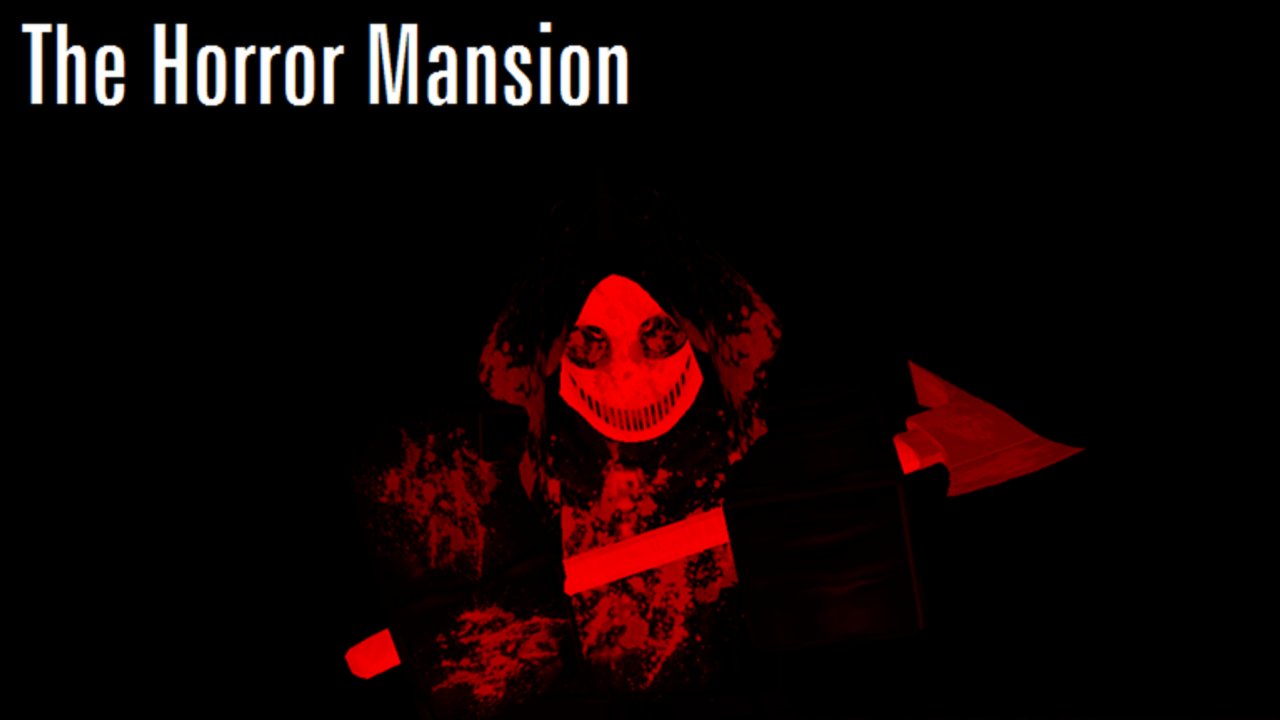
This page explains how to redeem codes in The Horror Mansion on Roblox without chasing scams. First, the important status note from our Codes Hub: as of August 2026 research, there are currently no active codes. Keep this guide bookmarked so you are ready when K1ir or the community announces a real promo for place 522527978.
The Horror Mansion is a free-to-play online multiplayer survival horror/comedy experience released 2016-10-13. Rounds cycle killers through a small mansion map while you try to last as long as possible. Promo codes, when they appear at all, are rare bonuses—not the core loop. Your priority remains learning the Map Guide, Controls, and How to Survive.
Before you try any code
- Confirm the code is listed as Active on the Codes Hub.
- Join the official experience: The Horror Mansion on Roblox.
- Sign in on the account that should receive rewards.
- Make sure you are not on a random private server rip-off place with a similar name.
- Do not confuse this title with the sequel The HORROR Mansion unless the announcement explicitly says the promo applies there.
Step-by-step redemption checklist
When an active code exists, work through this order:
1. Search the lobby and HUD
Look for buttons labeled Codes, Twitter, Rewards, Gifts, or a gear/settings icon. Older 2016-era experiences sometimes hide redeem fields in a corner GUI rather than a modern shop panel. Walk the main room after spawning—many UIs sit near the killer spawn area or computer lab walls.
2. Check chat commands
Some Roblox games accept /code YOURCODE or !redeem YOURCODE in chat. Try only when a trustworthy announcement mentions chat redeem. Caps lock and spaces matter; paste carefully.
3. Rejoin if the UI is missing
Roblox GUIs can fail to load on mobile data or busy servers. Leave, rejoin a fresh public server, and check again. Xbox players may need to open the on-screen keyboard after selecting the text box.
4. Confirm rewards
If a code succeeds, note what you received. The Horror Mansion is not Midnight Horrors—do not invent shop prices or assume coin shops match other killer games. Log the reward yourself and compare with the hub entry.
Platform notes (PC, Mac, mobile, Xbox)
| Platform | Tip |
|---|---|
| PC / Mac | Easiest typing; watch for overlay keybinds blocking the field |
| Mobile | Rotate to landscape if the Codes button is off-screen; long-press paste |
| Xbox | Use the Roblox virtual keyboard; avoid private parties that hide UI |
Codes, when supported, typically apply to your Roblox account for that experience. You should not need separate codes per device.
Troubleshooting common errors
“Invalid code” — The string is wrong, expired, or never existed for this game. Recheck the Codes Hub.
“Already redeemed” — Your account already claimed it. Alts do not bypass fair-use limits if the developer blocks them.
No Codes button — Either the game has no active promo system right now (the August 2026 case), or you are in the wrong place/universe. Confirm universe 203829788.
Game freezes after paste — Close the menu, wait a few seconds, and rejoin. Avoid executor overlays that inject fake code UIs; read Scripts if you are researching client tools separately from legitimate promos.
You typed a killer name — Names like ANGER44, Limbless, Umbra, or Necrobloxicon are killer labels from fan docs, not redeem codes.
Safety rules
- Never give your password to a “code bot.”
- Never install a browser extension to “unlock all codes.”
- Never pay real money for a public promo string.
- Cross-check announcements with Players creator context and Updates so you know which mansion version is being discussed.
What to do with zero active codes
Spend the session improving survival instead:
- Climb desks and furniture to break AI pathing (Safe Zones, Glitches).
- Review round flow with the Survival Checklist.
- Rank threats on the Killers Tier List.
- Read the Review if you are deciding between classic and sequel vibes.
Quick FAQ-style workflow
New player joins → opens Codes Hub → sees no active codes → opens this page only when a code appears → redeems in-experience → returns to learning the mansion. That workflow protects you from outdated YouTube thumbnails while keeping redemption muscle memory ready.
For the wider tutorial path, start at Getting Started and use the Guides Hub for every walkthrough. The Wiki Overview links every section if you need the full map of this site.
Frequently Asked Questions
Quick answers to the most common questions.
Why can’t I find a Codes button in The Horror Mansion?
As of August 2026 there are no active codes, and the experience may not show a redeem UI when none exist. Confirm you are on place 522527978, then recheck the Codes Hub after updates.
Can I redeem codes on mobile or Xbox?
If a promo is active and the game supports Roblox code entry, the same account can redeem on PC, Mac, mobile, or Xbox. Use the virtual keyboard on Xbox and paste carefully on mobile.
A YouTube video listed ten working codes—should I try them?
Only if they also appear as Active on the Codes Hub. Many videos recycle expired strings or codes from unrelated horror games.
Does redeeming codes work in the sequel?
Treat the sequel (The HORROR Mansion) as a separate experience unless an announcement says otherwise. Redeem only in the place named by the promo.
What if a code says invalid after I typed it correctly?
It may already be expired, region-limited, or already redeemed on your account. Rejoin once, check capitalization, then wait for a hub update rather than spamming retries.